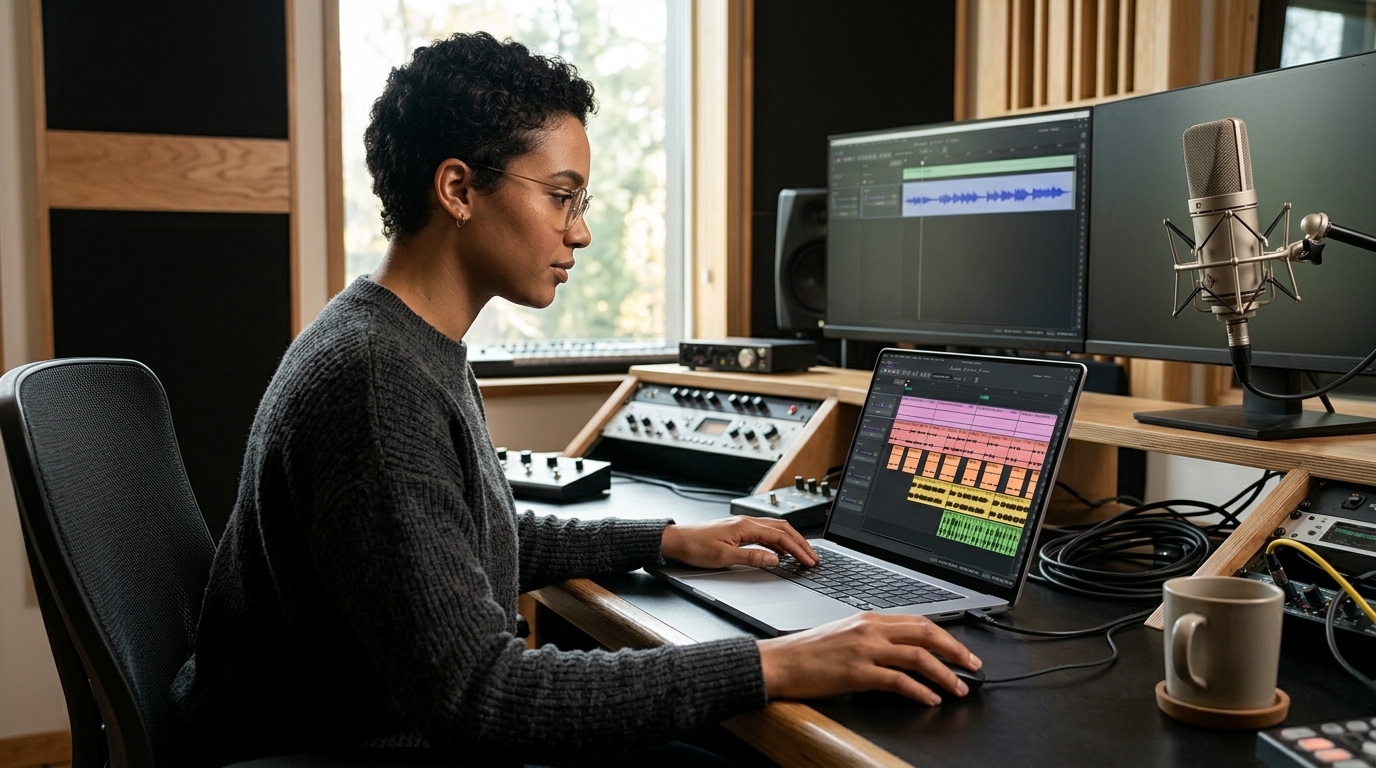
Audacity, the self-proclaimed “world’s most popular audio editing and recording app,” has undergone a complete transformation with the release of version 4. Following a period of development marked by a minor controversy over its logo last year, the new update aims to turn the traditionally clunky free editor into a powerful modern tool.
Non-Destructive Editing and Clip Management
The most significant shift is the move to a non-destructive editing workflow. This allows users to trim a clip and later recover the original audio simply by dragging the edge of the clip back out. Furthermore, clips can now overlap on the timeline. Previously, dragging a clip past another would cause it to stop abruptly, requiring users to cut and paste to rearrange audio. Now, audio can be moved freely across the timeline.
A Modern Interface and New Features
The software has received a dramatic facelift, bringing it in line with other Muse products like Muse Score and Audio.com. The update includes several key enhancements:
- The ability to split clips for easier rearrangement.
- Refreshed clip envelopes and built-in effects.
- A new home screen with revamped project organization.
- Customizable themes to modernize the visual experience.
While Audacity has been a staple in creator toolkits since its debut in 2000, it has historically maintained a stubborn consistency in its layout even as features were added. Audacity 4 represents a major leap, bringing the app closer to the functionality of a modern digital audio workstation (DAW).